Restaurant Menu Photography: The 5 Photo Types You Need
Most restaurants do not need a 200-image library on day one. They need five repeatable photo types that cover menus, delivery, and weekly marketing.
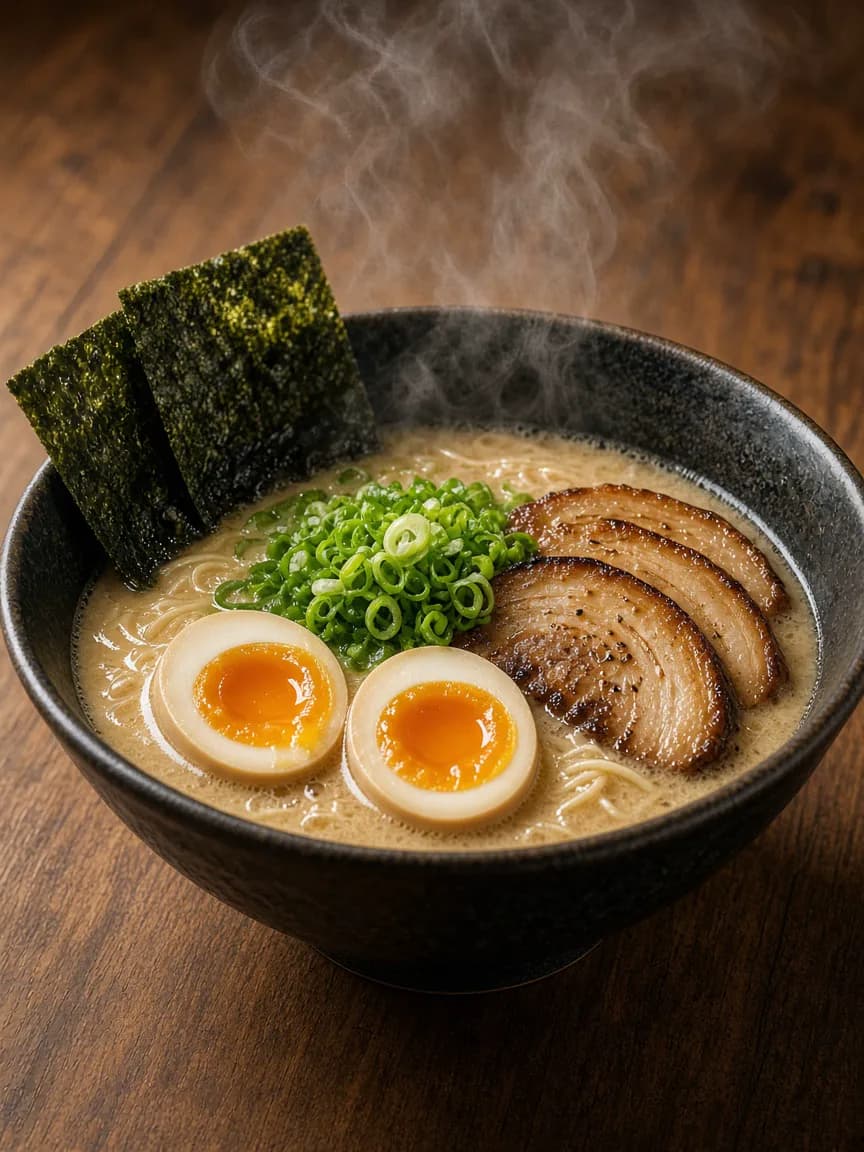
Cover signature dishes, delivery crops, social formats, seasonal specials, and one process shot before expanding into a full catalog.
Restaurant photography projects stall when the brief becomes "photograph everything beautifully." A working kitchen needs a smaller, clearer brief: produce the photo types that sell food this week, then expand.
These five types cover most independent restaurants, cafés, and bakeries. When you need polished outputs without a reshoot, start from the dedicated menu photo editor instead of stretching one blog workflow into a product page.
1. Signature hero dishes
These are the plates that define the business: the ramen, the roast chicken, the house burger, the croissant that sells out by 10 a.m.
- Shoot with the best light you can get near service.
- Keep plating identical to what guests receive.
- Prioritize appetite and recognition over heavy prop styling.
Hero dishes justify more care because they appear on the website, Google profile, and paid ads.
2. Delivery and marketplace crops
Delivery photos are product shots. They need a centered item, clean background, honest portion, and landscape masters that can be cropped for different apps.
Do not recycle a dark dinner-mood Instagram frame into DoorDash and hope for the best. Build a bright, clear version of every high-volume delivery item. Details are covered in Food Photography for Delivery Apps.
3. Social feed and story formats
Social assets can carry more atmosphere than delivery tiles, but they still need the dish to remain true.
- 1:1 and 4:5 for feed posts.
- 9:16 for stories and short promotions.
- Captions that explain the offer, not just the garnish.
This is where many restaurants waste time redesigning the same photo repeatedly. Generate the formats deliberately instead of cropping important parts later.
4. Seasonal and weekly specials
Specials expire, so the photography system must be fast. The goal is not a magazine cover every Tuesday. The goal is a publishable image before the special is gone.
A practical rule: if a special cannot be photographed and prepared for publishing in one short window between prep and service, the content process is too heavy.
5. Process and proof shots
Guests also buy trust. A dough fold, a grill mark, a pour-over, or a finished tray coming out of the oven supports the polished plate photos.
Keep process shots secondary. They strengthen the brand when the menu and delivery images already do the selling.
A one-week production plan
| Day | Photo job | Output |
|---|---|---|
| Mon | Signature dish refresh | Website and Google hero set |
| Tue | Delivery top sellers | Marketplace crops |
| Wed | Weekly special | Feed post + story |
| Thu | Process or prep detail | Supporting story set |
| Fri | Backup reshoots | Fill gaps before the weekend |
Repeat the cycle instead of waiting for a quarterly studio day.
Common mistakes to avoid
- Photographing only desserts because they are easy to style.
- Using one square image for every channel.
- Letting props overpower the food.
- Publishing AI edits without comparing them to the real plate.
- Leaving 30 menu items without photos while polishing one hero forever.
Noodles, bread, coffee, burgers, salads, and dinner plates should all appear in the visual system if they appear on the menu. A dessert-only portfolio under-sells a full restaurant.
How to keep quality without a studio
Use one consistent side light, one clean surface, and one short checklist. Then edit for the destination. How to Make Food Photos Look Professional Without a Studio covers the capture habits. For menu-ready exports, use the menu photo editor to turn those captures into print, delivery, and QR menu photos your team can publish the same week.
Create menu, social, and campaign variations from the photos you already take during service.