Upload your menu photo
Use a dish photo from service, a delivery test plate, or an existing menu asset.
Upload a real dish photo and make menu photos look professional for print, delivery listings, storefront boards, and QR ordering — without replacing the food guests actually receive.
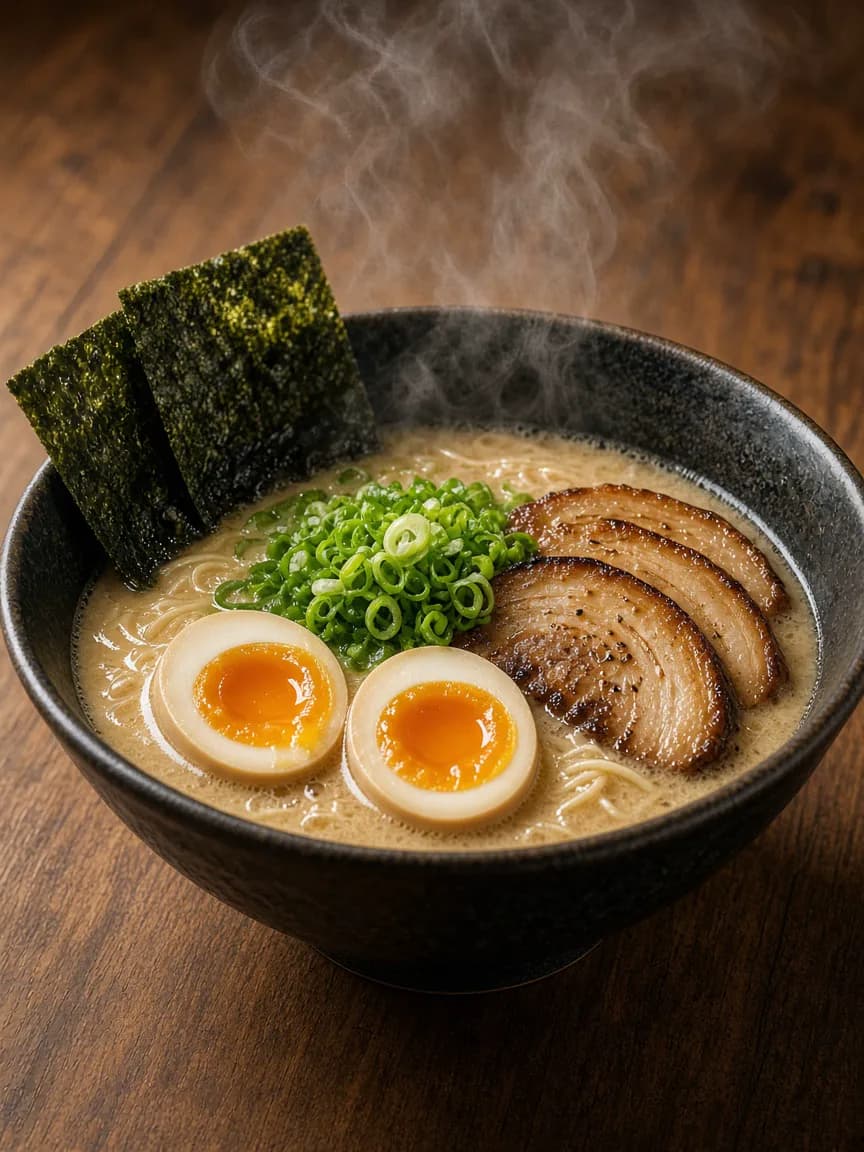
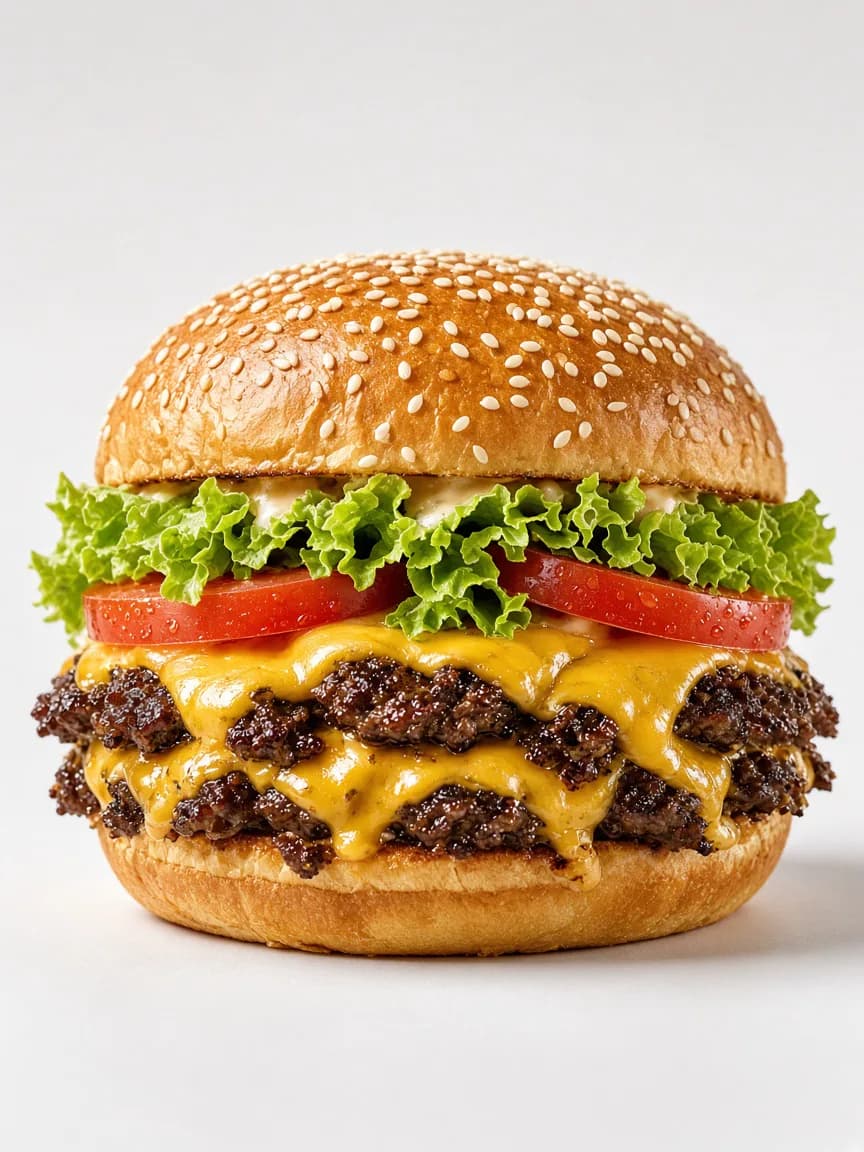
FoodPostStudio is a web-based menu photo editor. No install, no reshoot day — start from the photos your kitchen already has.
Use a dish photo from service, a delivery test plate, or an existing menu asset.
Pick a clean menu style, aspect ratio, and language that matches where the photo will appear.
Download polished menu photos for print, apps, signage, and mobile ordering pages.
Each destination needs a slightly different crop and mood. Build them from the same real dish instead of scheduling another shoot.
Bright hero dishes and consistent spacing for dine-in menus, tabletop inserts, and takeout inserts.
Centered, appetizing menu photos that read clearly in DoorDash, Uber Eats, and Grubhub tiles.
High-contrast images for window posters, sidewalk boards, and printed specials guests see before they walk in.
Fast-loading menu photos for mobile ordering pages where guests decide in seconds.
Compare a quick phone capture with a menu photo ready for your website, delivery apps, and printed specials.
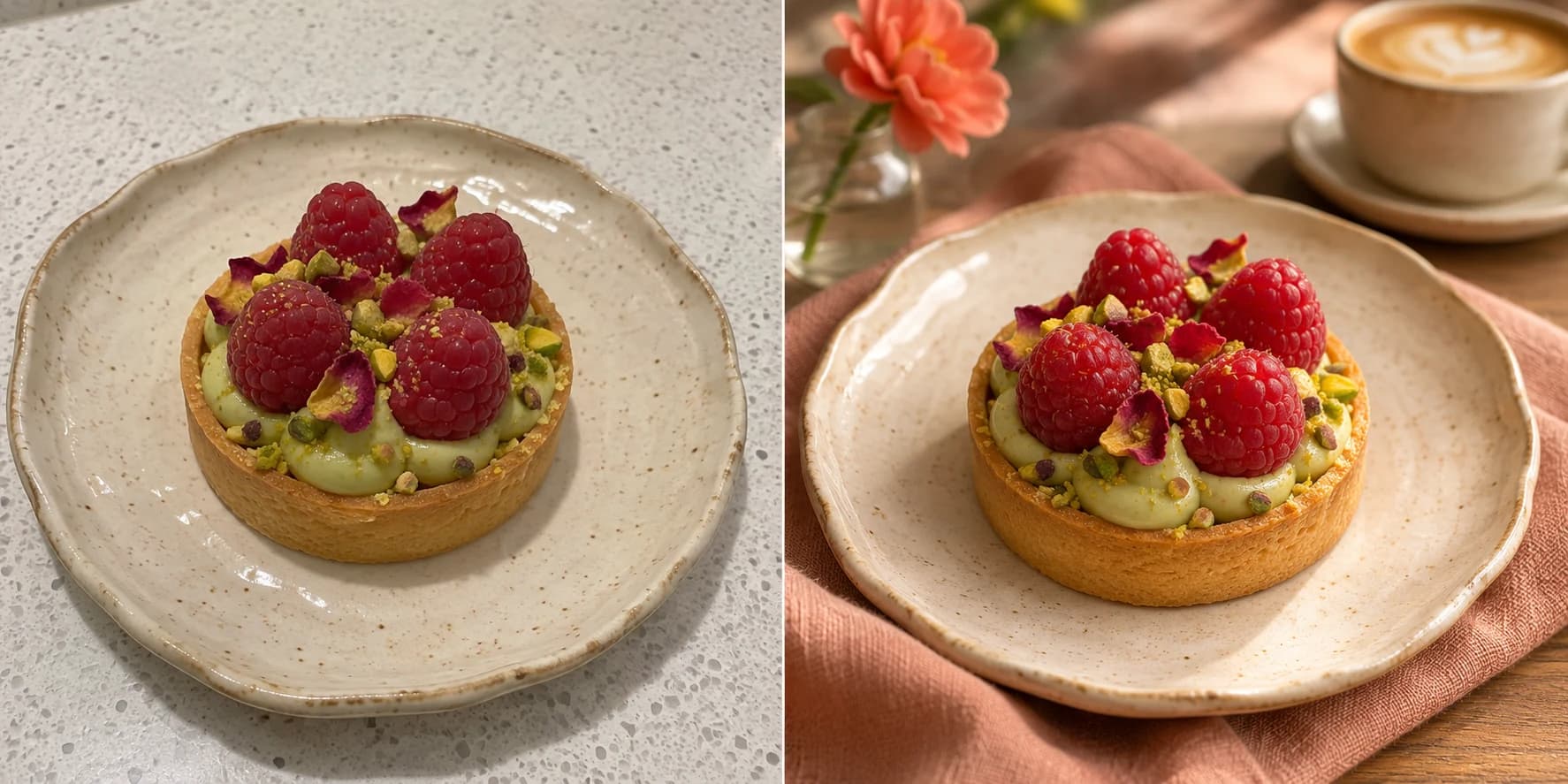 Phone menu photo Menu photo editor
One credit creates one menu photo variation. Refresh menus and delivery listings on the same schedule as your specials.
New workspaces receive 5 welcome credits. No card required.
For cafés and creators posting every week.
For restaurants building a consistent brand.
Answers for restaurant owners updating print menus, delivery listings, and QR ordering pages.
A menu photo editor helps restaurants improve existing dish photos for menus and ordering surfaces. FoodPostStudio keeps the real plate while refining light, background, color balance, and crop for each destination.
You should start from one source photo, then export purpose-built crops. Delivery listings need a bright, centered item; print menus can carry slightly more atmosphere. The studio generates square, portrait, and story-ready formats from the same upload.
Yes, that is the product goal. The editor is designed to preserve dish identity and improve presentation only. You should still compare every result to the real plate before publishing.
Upload JPG, PNG, or WebP images up to 15 MB. Photos should be at least 512 pixels wide and tall with the full dish visible.
New workspaces start with welcome credits. Each generation credit creates one menu photo variation. Monthly Starter and Studio plans cover ongoing menu updates without a reshoot day.