AI Generated Food Images vs Real Dish Photos
Generated food can look stunning and still sell the wrong plate. For menus and delivery apps, start from a real dish photo and keep the food honest.
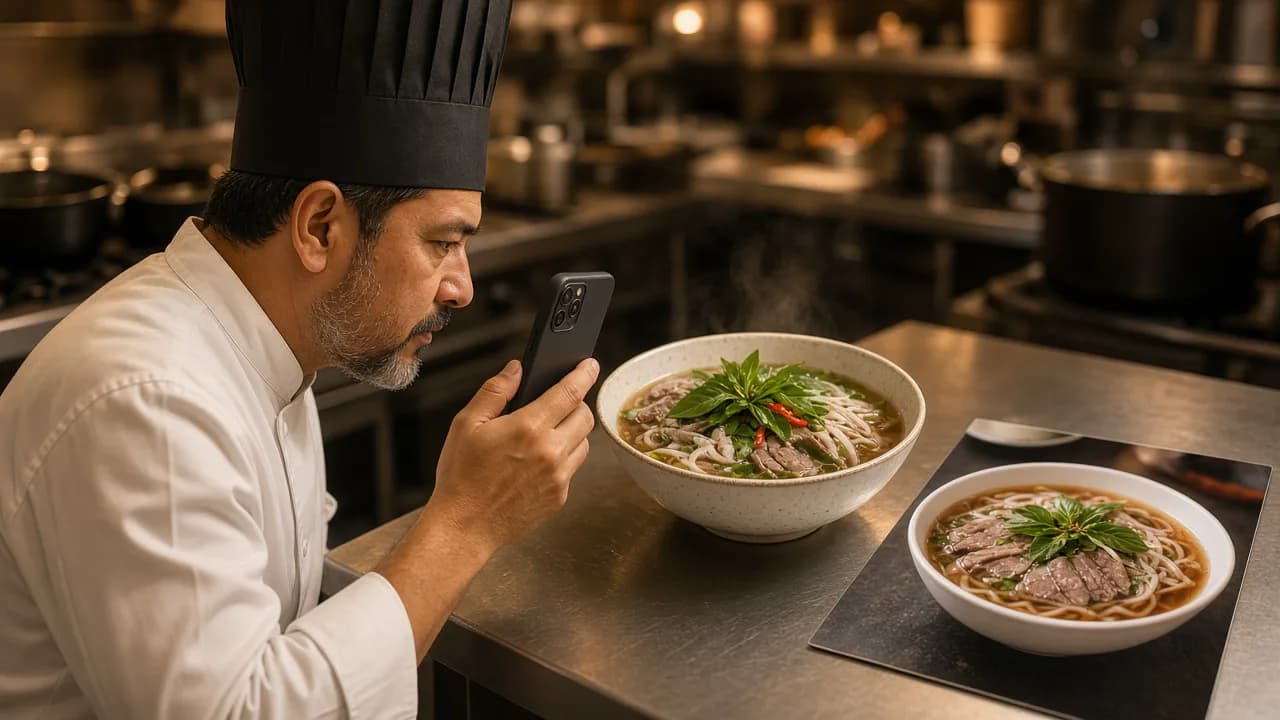
Use AI enhancement on real dish photos for menus and delivery. Reserve text-to-image generation for concepts, moodboards, and clearly non-menu creative work.
Search results for "AI food generator" mix two products that look similar in a demo and behave very differently in a restaurant.
One invents food from text. The other improves a photo of food you already cook. Choosing the wrong one for a live menu can win a click and lose the customer.
Two different tools
| Approach | Input | Output | Best use |
|---|---|---|---|
| AI food generation | A prompt or loose reference | A fictional dish | Concepts, packaging drafts, campaign moodboards |
| AI food photo editing | A real photo of your dish | Your dish with stronger presentation | Menus, delivery apps, social posts of real items |
Generation answers, "What could this dish look like?" Enhancement answers, "How do we present the dish we serve?"
Restaurants need the second answer far more often.
Why authenticity matters commercially
A delivery photo is a promise. If the bun, protein count, garnish, or bowl does not match what arrives, the business pays in refunds, chargebacks, and public reviews. Marketplace guidelines increasingly emphasize representative imagery for the same reason.
Authenticity also protects brand trust offline. A guest who ordered from a generated fantasy plate arrives with expectations your kitchen never agreed to meet.
When generation is still useful
Text-to-image tools are not useless. They are useful when the image is not pretending to be the menu item:
- Early concept art for a seasonal campaign.
- Interior mood references before a remodel.
- Illustrative blog or ad concepts that are clearly stylized.
- Training examples for plating ideas that will later be cooked and photographed for real.
The key is disclosure through context. If the asset will sit next to a price and an order button, it should start from the real dish.
A practical review checklist for AI-edited photos
Before publishing an enhanced image, compare it to the plated item:
- Are the main ingredients still recognizable?
- Is the portion size honest?
- Did the plate, bowl, or packaging stay true to service?
- Were garnishes added that the ticket does not include?
- Would a regular customer feel surprised by the bag or the table arrival?
If any answer is uncomfortable, choose a milder edit or reshoot.
How restaurants should brief an AI editor
A strong brief is operational, not poetic:
- Upload a clear photo of the finished dish.
- State the destination: menu, delivery listing, feed post, or story.
- Choose a restrained direction for light and background.
- Generate a few variations.
- Keep the variation that still looks like your kitchen's food.
- Write or edit the caption so every claim matches the offer.
That workflow scales. Inventing a different burger for every campaign does not.
Where FoodPostStudio sits
FoodPostStudio is an AI food photo editor for restaurants, cafés, and food businesses that already have a dish to photograph. It is designed to improve presentation, format, and supporting copy while keeping the uploaded food as the reference point.
If you need marketplace specs next, read Uber Eats and DoorDash Photo Requirements Compared. For the capture process, use Food Photography for Delivery Apps.
FoodPostStudio starts from your photo so the finished asset can stay faithful to the plate.